Saving money can be hard. Many people want to save, but forget or spend their money. What if you could save without thinking? That is possible with apps like Digit and Qapital. These apps help you save money automatically.
Why Automate Your Savings?
Most people find saving hard because they have to do it themselves. It needs time and focus. But what if saving was easy and done for you? When your savings happen automatically, you don’t have to worry. Your money grows little by little. This is called automated savings.
Automated savings can help you:
- Save money without stress.
- Reach your goals faster.
- Build good money habits.
- Keep money for emergencies.
What Are Digit and Qapital?
Digit and Qapital are apps designed to help you save money. They work by moving small amounts of money from your main bank account to a savings account. This happens automatically. You set the rules, and the app does the work.
Digit
Digit looks at your spending and income. It then moves small amounts to your savings. The amounts change based on your spending. If you spend a lot, Digit saves less. If you spend less, Digit saves more.
Digit was bought by a company called Oportun. If you used Digit before, you might find it now under Oportun. The service still works the same. You just log in with your old details.
Qapital
Qapital helps you save for goals. You pick what you want to save for, like a new phone or a trip. You can set simple rules, such as saving a little money when you buy coffee or every time you finish a workout.
Qapital works like a game. You see your goals and how close you are to reaching them. This can make saving fun and easy.
Steps to Automate Savings With Digit
Here is how you can start saving with Digit in easy steps.
- Download the App: Get Digit or Oportun app from your phone’s app store.
- Create an Account: Sign up using your email and link your bank account.
- Set Savings Goals: Choose what you want to save for or just let Digit save automatically.
- Let Digit Work: Digit will check your money and move small amounts to savings.
- Check Progress: Open the app anytime to see how much you saved.
- Withdraw When Ready: You can take money out anytime if needed.
Digit saves money quietly in the background. You do not have to do anything. The app uses smart tools to keep you from saving too much at once. This way, your bills are always paid.
Steps to Automate Savings With Qapital
Qapital works a bit differently. It focuses on goals and rules you set. Follow these steps to start saving with Qapital.
- Download the App: Find Qapital in your phone’s app store.
- Create an Account: Sign up and connect your bank account.
- Choose a Goal: Pick a goal you want to save money for.
- Set Rules: For example, save $1 every time you buy coffee or round up purchases to the next dollar.
- Watch Savings Grow: The app moves small amounts to your goal automatically.
- Use Your Savings: When you reach your goal, you can use or withdraw your money.
Qapital makes saving fun. You can save for many goals at once. It helps you see your progress and keep motivated.
Comparing Digit and Qapital
Both apps help you save money automatically, but they work in different ways. Here is a simple table to show the main differences.
| Feature | Digit | Qapital |
|---|---|---|
| Savings Method | Smart analysis of spending to save small amounts | Rules and goals set by you, like round-ups or rewards |
| Focus | Automatic and flexible savings | Goal-based savings with fun rules |
| Control | Less control, app decides how much to save | You decide when and how to save |
| Account Transition | Now part of Oportun app | Stays as Qapital app |
| Fees | Monthly fee after trial period | Monthly fee, no phone support |
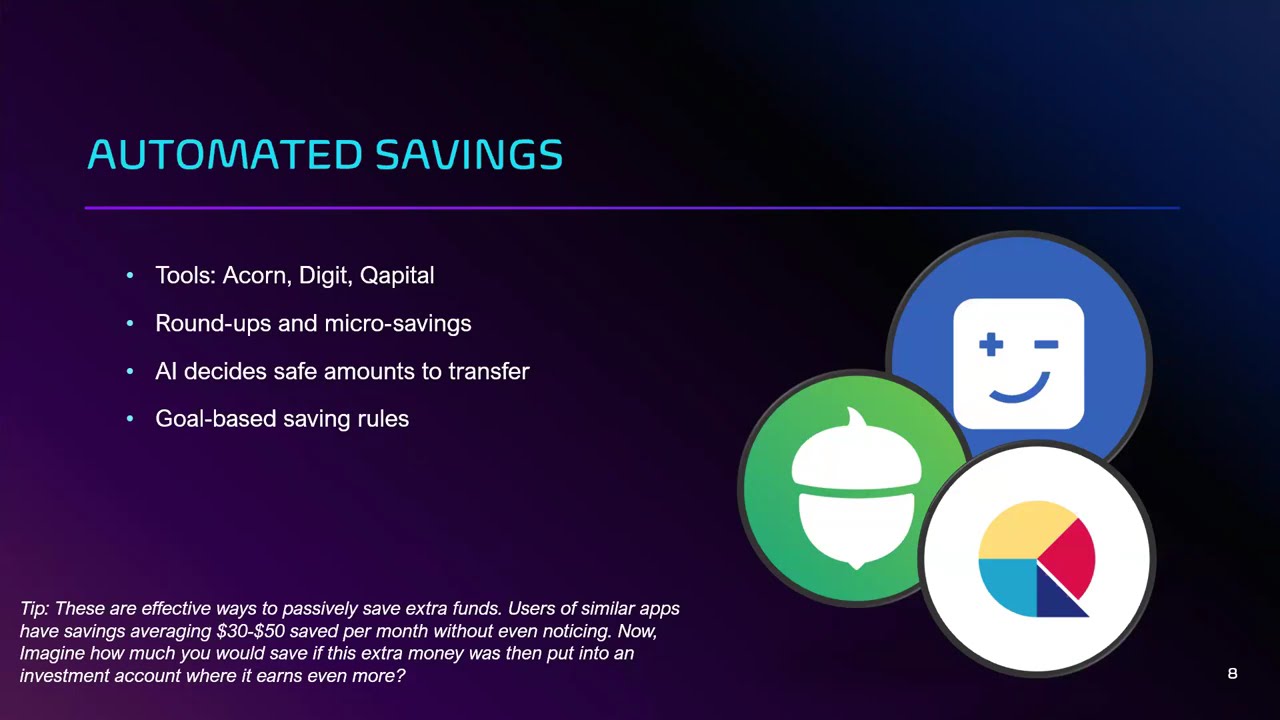
Credit: www.youtube.com
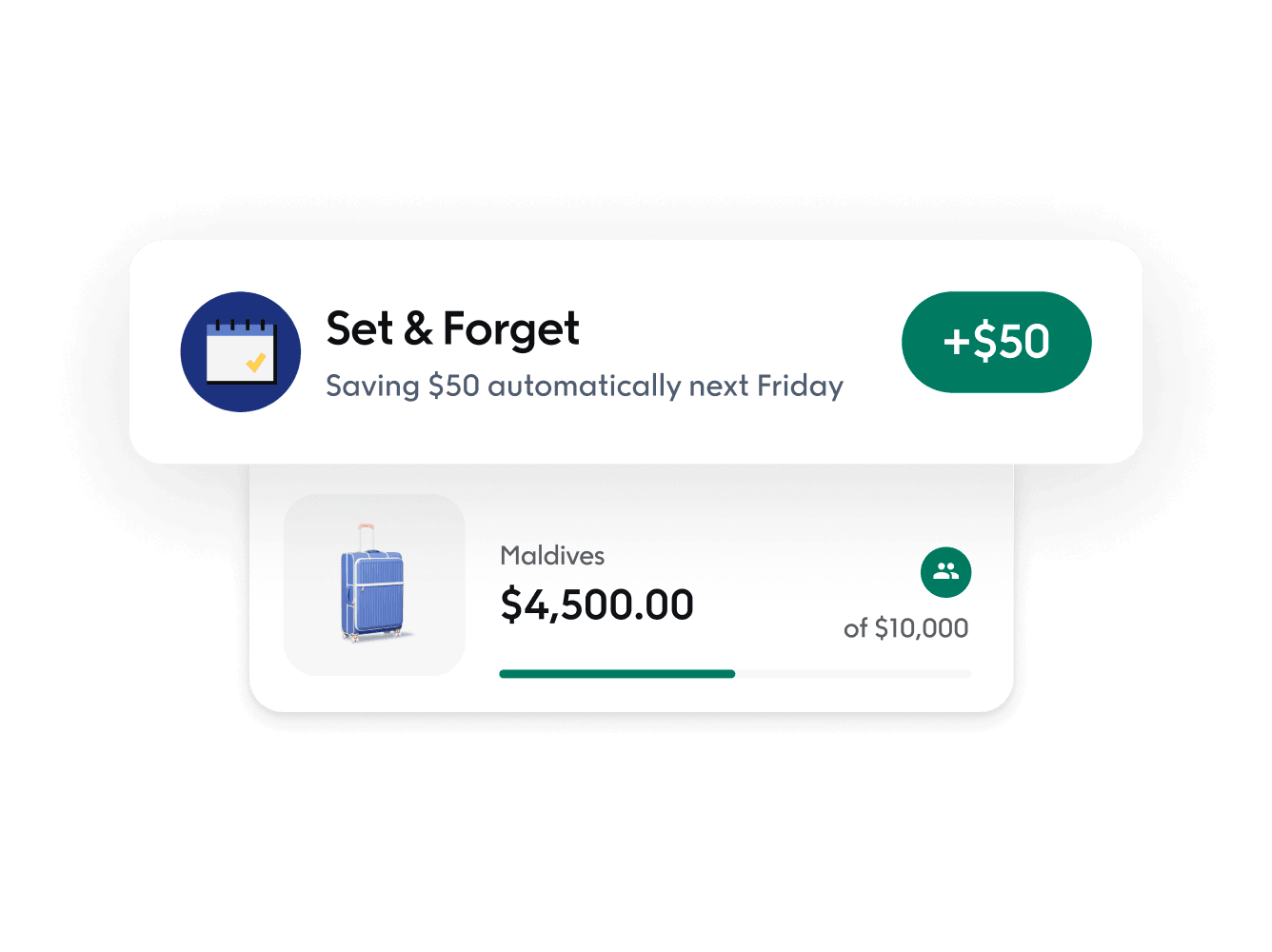
Credit: www.qapital.com
Tips for Using Automated Savings Apps
To get the best from apps like Digit and Qapital, here are some helpful tips:
- Start Small: Don’t set big savings goals at first. Save small amounts.
- Check Your Progress: Look at the app often to see how you are doing.
- Keep Your Budget in Mind: Make sure you have enough money for bills and daily needs.
- Use Goals to Stay Motivated: Pick goals that matter to you.
- Be Patient: Saving money takes time. Little by little, it adds up.
Other Ways to Automate Savings
Besides apps, banks offer a way called direct deposit split. This means part of your paycheck goes straight to savings. The rest goes to your checking account.
This is easy to set up with your employer. It helps you save before you even see your money. Combine this with apps for better savings results.
What to Know Before You Start
Automated savings apps are helpful, but they are not perfect. Here are some things to remember:
- Monthly Fees: Some apps charge monthly fees. Check if it fits your budget.
- Customer Support: Qapital has no phone support, only email or chat.
- Bank Connection: You need to link your bank account to these apps.
- Withdraw Rules: Check how easy it is to take your money out.
Always read the app’s terms before you sign up. Make sure you understand how it works and any fees.
Final Thoughts
Saving money is important. It helps you feel safe and ready for the future. Digit and Qapital make saving easier by doing it for you. You just set it up and watch your money grow.
Try these apps if you want to save without stress. Remember, saving a little every day can lead to big results. Start today and take control of your money.
Frequently Asked Questions
How To Set Up Automated Savings?
Set up automated savings by linking your bank account to an app like Oportun or Qapital. Choose a savings goal and schedule regular transfers. Use direct deposit splits to move money automatically from your paycheck to savings. Adjust amounts anytime to fit your budget and watch your savings grow effortlessly.
What Happened To The Digit Savings App?
The Digit savings app was acquired by Oportun. Users now log in to Oportun using their Digit credentials. Oportun combines Digit’s automated savings with digital banking services. This change aims to offer a more comprehensive financial platform. Check Oportun’s help center for transition support.
How Do You Automatically Routing Some Money From Your Paycheck To Savings?
Set up a direct deposit split with your employer to send a portion of your paycheck to savings automatically. Use apps like Digit or Qapital to automate transfers based on your spending habits and goals. This helps grow savings effortlessly without manual transfers.